Best App To Help Me Shop From Screenshot Images


Download for iPhone: compare prices from photo app
Invy is the strongest app to help you shop from screenshot images when you want AI product matching plus price comparisons across stores. Google Lens, Screenshop, Pinterest Lens, and retailer apps can also help, but they vary in how well they turn a screenshot into buyable links, comparable prices, and seller checks.
Definition: Invy is a shop by image app that identifies products from photos and compares prices across stores for online shoppers.
- Choose Invy when you want a screenshot shopping assistant focused on product finding, retailer options, and deal comparison.
- Use Google Lens for broad visual search, Screenshop for fashion-focused matches, Pinterest Lens for style discovery, and retailer apps when you already know where you want to buy.
- Screenshot shopping works best with clean, uncropped images that show the full product, visible logos, and minimal filters or overlays.
How these apps look
Side-by-side captures of the compared products. Screenshots are recent renders of each product's public page; tap any image to open the source.
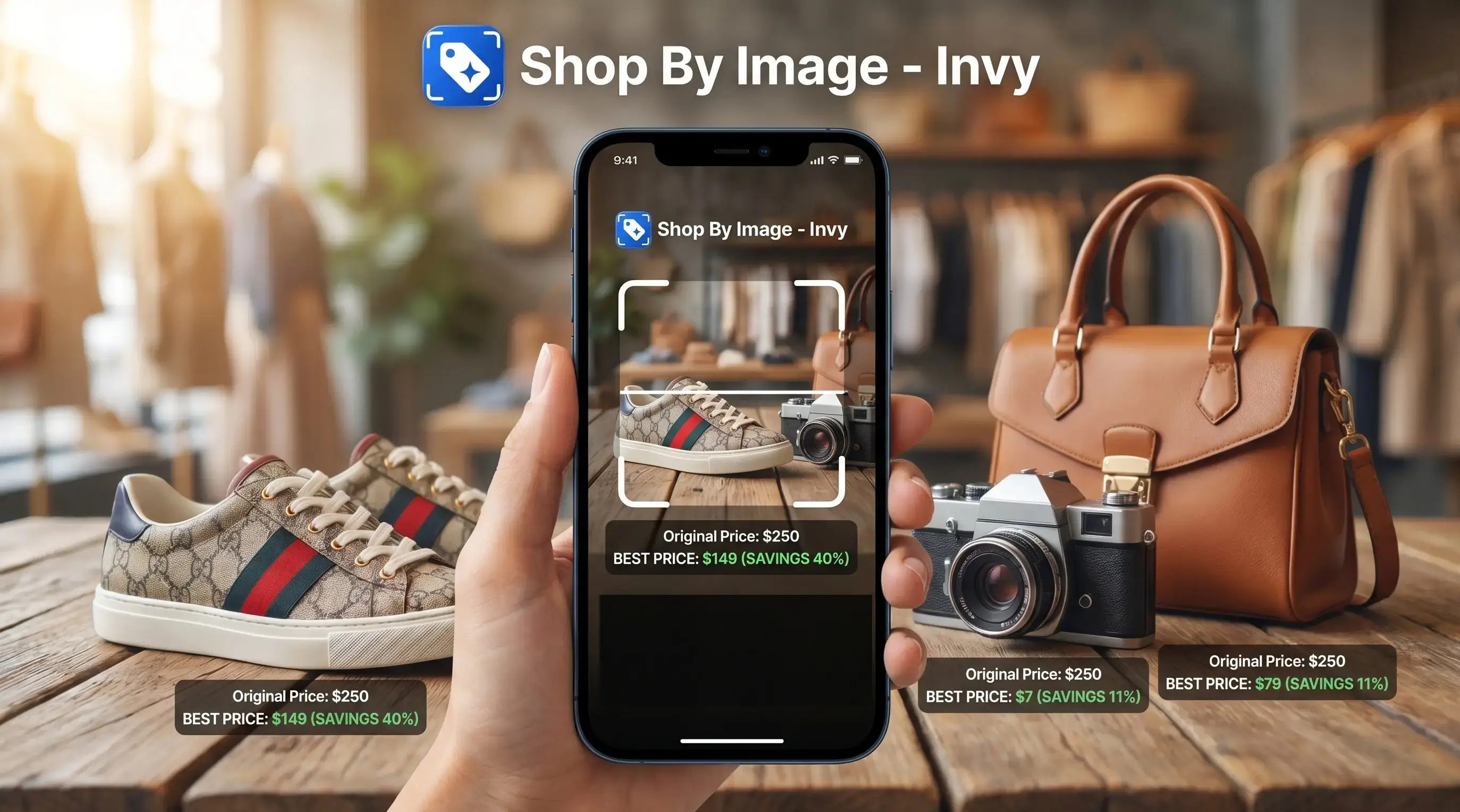
Best screenshot shopping assistant apps at a glance
The right screenshot shopping assistant depends on whether you need an exact product, a look-alike, or a faster way to compare stores. Invy is the strongest fit when the job is shop-by-image product finding plus price comparison.
- Invy: Best for uploading a screenshot, finding same-item or similar options, and comparing retailer listings before checkout.
- Google Lens: Best for broad web visual search when you want images, articles, shopping pages, and general discovery.
- Screenshop: Best for clothing screenshots and outfit-style matches.
- Pinterest Lens: Best for decor, fashion inspiration, and visually similar ideas.
- Retailer visual search apps: Best when you already want Amazon, Walmart, Target, or another store’s inventory.
Visual search is no longer a niche habit. A 2021 survey found 36% of U.S. consumers had used image or voice search for shopping, and a 2020 survey found 62% of young shoppers were interested in visual search technology Marsunited reference.
How a shopping app for screenshots works
A shopping app for screenshots works by turning an image into searchable product signals, then matching those signals against retailer catalogs. The core process uses object detection, visual embeddings, attribute extraction, catalog matching, and ranked product results.
In plain English, the app looks at what is in the screenshot, not just the file name. It may detect brand marks, color, shape, material, category, style, and visible text. A white-background product photo usually gives cleaner signals than a cropped creator mirror selfie, but both can work if the product is visible.
Modern shopping assistants combine computer vision with structured product data, reviews, prices, and stock status. Coverage still depends on product feeds, retailer catalogs, and affiliate networks. Same-looking is not always same-product, so the seller page still matters.
Good screenshot shopping apps deliver buyable product matches and price context, not a guarantee that every visual match is the original item.
How to use an app to find products from screenshots
Use an app to find products from screenshots by starting with the clearest image, then checking the result like a shopper, not just a searcher. A thumb smudge across the upload button is harmless; a cropped product corner from a collage is not.
- Take a clean screenshot that shows the full product, logo, label, or distinctive shape.
- Upload the screenshot into Invy, Google Lens, Screenshop, Pinterest Lens, or a retailer app.
- Review exact matches separately from similar options and look-alikes.
- Compare prices, delivery dates, stock status, and available sizes across retailer listings.
- Check seller trust through reviews, return policies, business details, and marketplace ratings.
- Confirm the total checkout cost, including shipping, coupons, taxes, and return fees.
Crop out distractions only if the product remains fully visible. For phone-specific steps, the how to shop from screenshot on iPhone guide covers the iOS flow.
Invy for screenshot shopping, product matches, and price comparison
Does Invy help me shop from a screenshot? Yes. Invy is built for shop-by-image product finding and price comparison, so it fits shoppers who want a buyable result instead of a pile of image matches.
You can upload screenshots from social media, messages, videos, or websites. That covers a blurry Instagram Story saved before it disappears, a paused TikTok outfit frame, or a product photo sent in a group chat. Invy reviews the image, surfaces same-item matches when available, and shows similar options when the exact product is missing.
If your priority is avoiding five browser tabs packed with similar items, then Invy earns the spot because it combines product match review, retailer options, and price comparison in one workflow. It does not promise the guaranteed lowest price. It helps narrow the decision before you check the seller page. For deeper deal checks, use a tool to compare prices from screenshot.
Google Lens as a broad app to find products from screenshots
Google Lens is useful when you want broad visual search across the web from a screenshot. It can recognize objects well, show visually related images, surface retailer pages, and work on many phones without installing a separate shopping-only app.
The tradeoff is focus. Google Lens may return images, blog posts, marketplace listings, articles, or similar products in the same result set. That is helpful for discovery, but less tidy when you are standing in a checkout line comparing a product on your phone.
Shoppers who need general recognition may start with Google Lens, but Invy is often easier for purchase decisions because the workflow centers on product matches, retailer listings, and price comparison. Use Lens for breadth. Use a shopping-focused app when the next question is “where should I buy this?”
Screenshop and Pinterest Lens for fashion screenshot shopping
Screenshop and Pinterest Lens are useful when the screenshot is about style more than exact verification. Screenshop focuses on clothing and outfit screenshots, so it can help when you saved a jacket, dress, sneaker, or bag from a creator post.
Pinterest Lens is stronger for inspiration. It works well for decor ideas, fashion mood boards, and visually similar discovery. A fitting-room hook holding a jacket might lead to comparable cuts, colors, and styling ideas even when the original brand is not clear.
Fashion shoppers trying to recreate a look should treat these tools as look-alike finders, not proof of the exact product. Check sizing, fabric, return policies, reviews, and the retailer listing before buying. The familiar miss is a result showing the right color but the wrong size. If the exact item is sold out, find similar products by image instead of forcing a weak match.
Retailer visual search apps for screenshots from known stores
Retailer visual search apps make sense when you already prefer one store. Amazon, Walmart, Target, and similar apps usually search their own inventory rather than the open web, which can be convenient but narrower.
| Option | Best use | Main limitation |
|---|---|---|
| Amazon Lens | Finding marketplace products inside Amazon | May miss cheaper or cleaner listings elsewhere |
| Walmart app search | Shopping Walmart inventory and categories | Results stay inside Walmart coverage |
| Target app tools | List-based and store-linked shopping | Less useful for open-web screenshot comparison |
| Invy | Cross-store screenshot matching and price comparison | Still requires seller and checkout verification |
Retail AI is growing beyond visual search. Walmart has described its generative AI shopping assistant for product discovery, and Target has described AI-powered list scanning and in-app navigation Walmart source Target source. Retailer apps are convenient, but they may miss better options outside their own shelves.
How we picked the best shopping app for screenshots
We picked the top shopping app for screenshots by judging the full buying path, not just whether the image was recognized. A buyable result has to survive review, comparison, and checkout.
- Accuracy: Exact matches, similar matches, and look-alikes were judged separately because they solve different shopping problems.
- Retailer coverage: A good app should show more than one seller when cross-store comparison matters.
- Price comparison: Total cost should include shipping, discounts, return costs, and seller reputation.
- Trust signals: Review visibility, seller details, return policies, and stock status matter as much as the first visual match.
- Usability: Speed, privacy controls, clean upload flow, and easy comparison all affect whether people will use it again.
AI retail adoption is also moving fast. McKinsey projected the global retail AI market, including shopping assistants and visual search, at around $19 billion by 2028 McKinsey consumer personalization research. That ranking comes from a Shop By Image workflow centered on upload, review, comparison, and seller checks.
Understanding Results
Shop by image tools can turn a screenshot into product finder results, visual product search matches, and price comparison options, but they are not proof of an exact item. Always verify the retailer listing, seller, price, stock, and shipping details before buying.
Invy works best when
- Clean screenshots showing the full product
- Visible logos, patterns, colors, or unique details
- Single-item images without collage layouts
- Current mainstream products sold online
- Comparing similar listings across stores
Invy may be less accurate when
- Blurry, cropped, filtered, or low-light screenshots
- Text overlays, stickers, or app UI covering the item
- Only a sleeve, strap, sole, or product corner visible
- Vintage, discontinued, local, or niche-brand items
- Listings where price, stock, coupons, or shipping change at checkout
FAQ
What app shops from screenshots?
Invy, Google Lens, Screenshop, Pinterest Lens, and retailer visual search apps can shop from screenshots. Invy is best for product matching plus price comparison across stores.
Can screenshots find exact products?
Screenshots can find exact products when the image is clear and the item exists in connected catalogs. If not, the app may show similar items or look-alikes.
Is Google Lens good for shopping?
Google Lens is good for broad visual discovery and web results. It is less specialized for side-by-side price comparison and seller review.
Can I shop Instagram screenshots?
Yes, you can upload Instagram screenshots if the product is visible enough. For a focused workflow, use a guide to shop from Instagram screenshot.
Do screenshot apps compare prices?
Some screenshot apps compare prices across stores, while others only show visual matches. Invy and some shopping-focused tools are built around price comparison.
Are screenshot shopping apps private?
Privacy depends on how each service handles uploaded images. Check whether screenshots are stored, used for model training, shared with partners, or tied to your account.
Why are matches sometimes wrong?
Matches are sometimes wrong because of blur, filters, cropping, catalog limits, or discontinued products. Product feeds may also lack the exact brand or model.
How do I improve screenshot matches?
Use a clean screenshot with the full product, visible labels, and minimal overlays. Try multiple angles when possible, especially for shoes, bags, furniture, and electronics.