Reverse Image Search Vs Visual Shopping Search: What To Use When


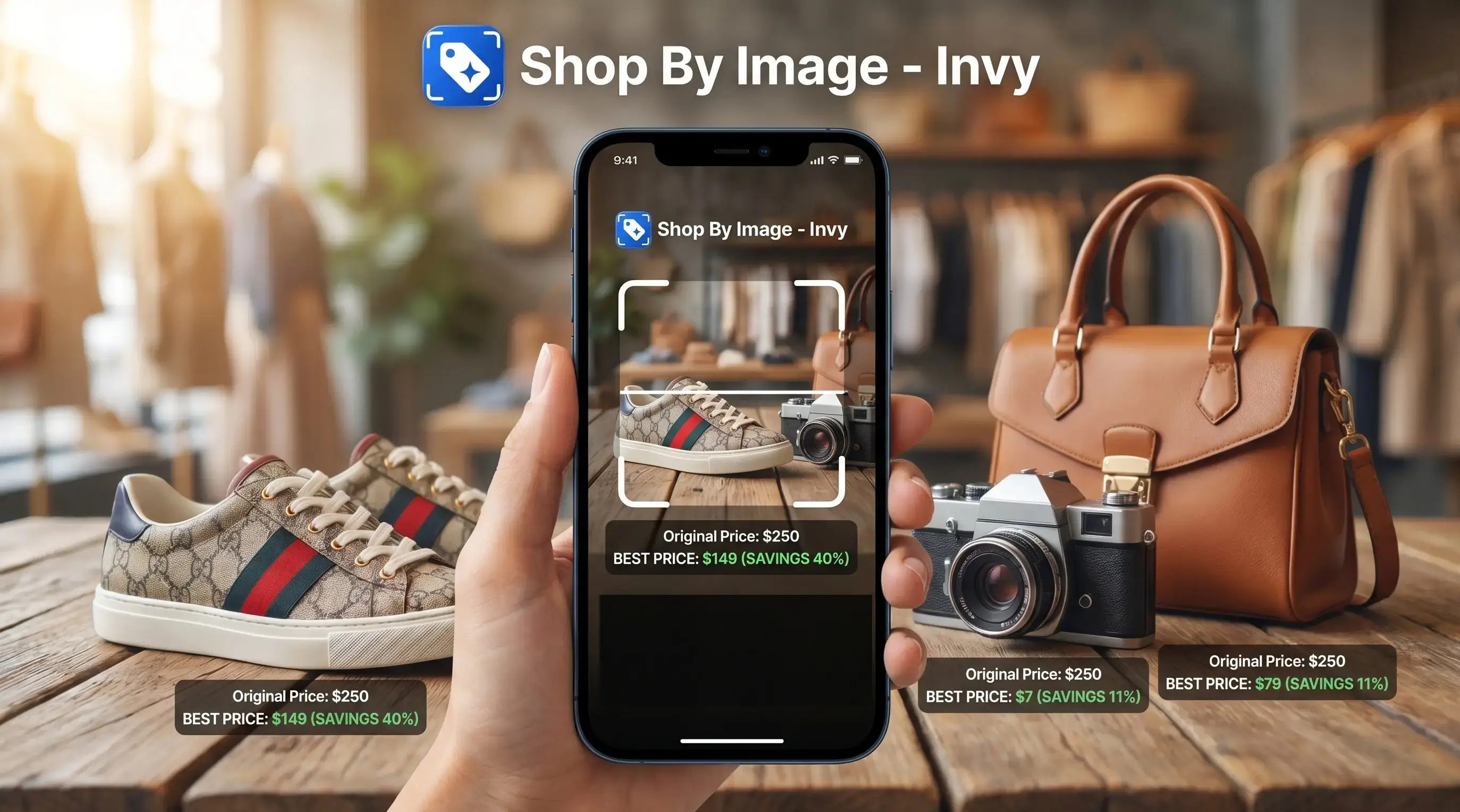
Download for iPhone: product finder by image
Reverse image search vs visual shopping search comes down to intent: use reverse image search to trace where an image appears online, and use visual shopping search when you want buyable product matches, similar items, prices, and stores. Reverse image search is research-first; visual shopping search is shopping-first, and Invy fits the shopping side when the goal is to move from a photo to products you can compare.
Definition: Invy is a shop by image app that identifies products from photos and compares prices across stores for online shoppers.
- Reverse image search is best for finding image sources, duplicates, reposts, and visually similar web pages.
- Visual shopping search is best for finding products from a photo, including similar styles, store options, availability, and price comparisons.
- If your goal is to buy the item or find a cheaper alternative, a shop-by-image tool like Invy is usually the better fit.
Reverse image search vs visual shopping search, side by side
Side-by-side captures of the compared products. Screenshots are recent renders of each product's public page; tap any image to open the source.
Reverse Image Search Vs Visual Shopping Search At A Glance
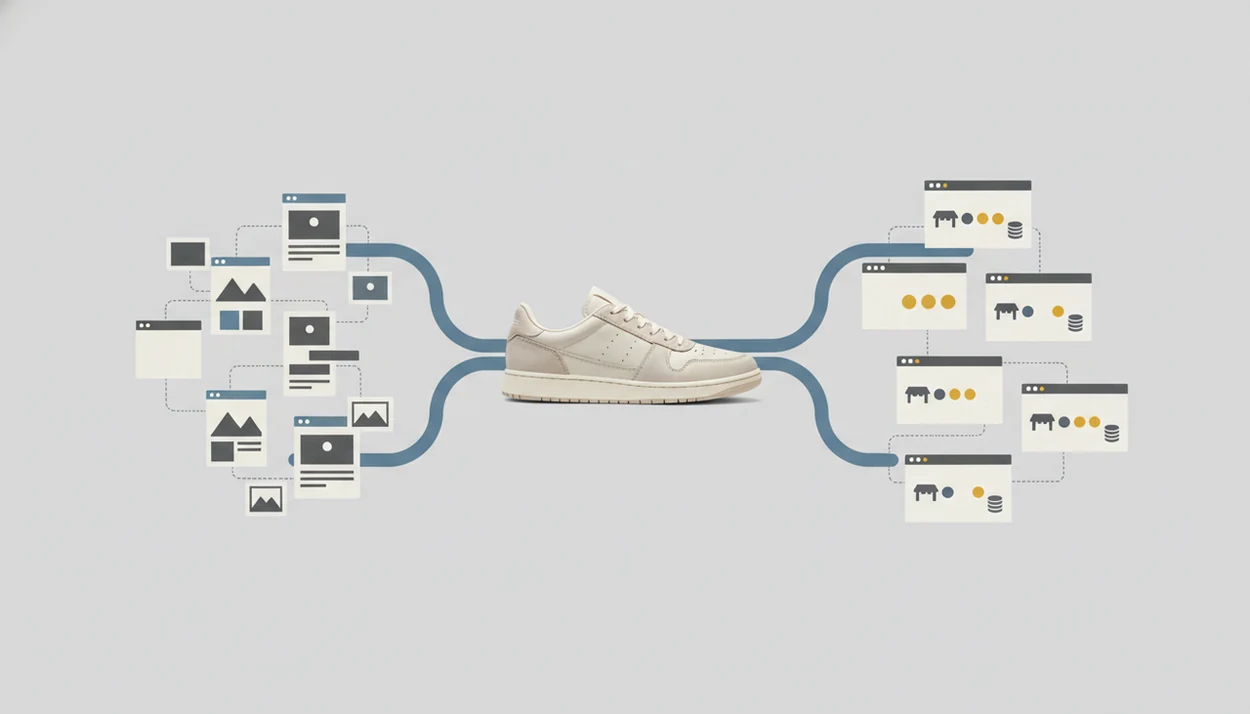
Reverse image search vs visual shopping search is mainly a difference between “where did this image appear?” and “where can I buy this product?” Google Images, Bing Visual Search, and Google Lens can overlap, but they do not always offer the same shopping depth.
Practical examples include Google Images and TinEye for reverse image search, and Amazon Lens, Pinterest Lens, retailer visual search, and Invy for shopping-oriented product discovery.
| Comparison point | Reverse image search | Visual shopping search |
|---|---|---|
| Purpose | Trace an image online | Find buyable product matches |
| Input | Uploaded image, image URL, screenshot | Product photo, screenshot, social post, store photo |
| Data source | Indexed web pages and image files | Retailer catalogs, marketplaces, merchant feeds |
| Output | Similar images, pages, sources | Product listings, similar options, prices, stores |
| Best use case | Source checking and verification | Product finding and price comparison |
| Shopping usefulness | Sometimes useful, but indirect | Built for shopping decisions |
A blurry street-style photo from a story may send reverse search toward blogs that reused it. Visual shopping search tries to identify the jacket, color, zipper, and buyable alternatives.
Five Facts About Reverse Image Search Shopping Results
Reverse image search shopping results can be useful, but they are not the same as shopping-specific product results. The key difference is whether the system is matching an image file or matching a product to retailer data.
- Reverse image search traces image origins, duplicates, reposts, visually similar files, and related web pages.
- Visual shopping search recognizes product attributes and matches them to product catalogs.
- Open-web image indexes differ from structured retailer and marketplace feeds with SKU data.
- Purchase intent changes the output: prices, availability, merchants, alternatives, and comparisons matter.
- Use reverse image search for verification; use visual shopping search for buying decisions.
When the goal is a buyable match from a saved Instagram Story, Invy is the shopping-side fit because it starts with the image, then returns product matches and cross-store comparison instead of only pages containing that screenshot.
Same-looking is not always same-product.
How Visual Search Vs Image Search Works Behind The Scenes
Visual search vs image search works by comparing visual signals, but each system optimizes for a different end point: web context or product purchase. Reverse image search looks at image fingerprints, visual features, surrounding page text, and indexed web pages.
Visual shopping search uses computer vision to detect product type, color, style, shape, pattern, logo, and other shopping attributes. Then it checks product catalog matching, which can include SKU data, merchant feeds, categories, stock status, pricing, and product metadata. For example, Google Merchant Center product data uses structured fields such as price, availability, GTIN, image link, and product category, which explains why catalog-backed shopping search can return different results than open-web image matching Support reference. That is why a white-background product photo often performs differently from a cropped creator mirror selfie.
Both methods can use AI and image embeddings, which are numerical summaries of what the image contains. Google reported in 2022 that Google Lens processes more than 8 billion visual searches per month, showing how mainstream image-based search has become Google Lens visual search report.
For the shopper, output quality usually depends more on catalog coverage and product metadata than on whether the upload looks clever.
Where Reverse Image Search Wins For Image Sources
Does reverse image search work better when I need the image source? Yes. Reverse image search is the better tool when you want to find where a photo first appeared, where else it is published, or whether the same image is being reused in suspicious places.
It helps when a marketplace seller uses a polished product photo that also appears on several unrelated stores. It can also surface higher-resolution versions, duplicate images, old blog posts, and pages that give more context before you trust the listing.
That matters before a purchase, but it is not systematic price comparison. Google Lens, Google Images, CamFind, and similar tools may show shopping links in some cases. Still, a result page with the same image does not prove current stock, reliable shipping, or the lowest final checkout price.
Verification first. Buying second.
Where Visual Shopping Search Wins For Buyable Products
Visual shopping search wins when the goal is to find the same or similar item from a photo, screenshot, social post, or in-store sighting. It returns buyable listings instead of only web pages that contain the uploaded image.
A shopper comparing a jacket on a phone while standing in a checkout line needs prices, stores, availability, shipping clues, and similar alternatives fast. Invy supports that workflow because it uses Shop By Image product finding and cross-store price comparison to turn an image into options you can review.
On days a price drop appears during a lunch break, Invy fits the “find this look for less” task because the workflow keeps exact matches and similar options in the same comparison path.
Good AI shopping assistants and product finder apps deliver product matches, retailer listings, and price checks, not proof that a same-looking item is genuine.
For shoppers trying to replace keyword guessing, visual shopping search is often easier than reverse image search because the product attributes drive the results.
How To Use Shop By Image Vs Reverse Image Search
Use shop by image when you are trying to buy or compare a product; use reverse image search when you are checking image context. If the photo came from a suspicious seller page, run the verification step before you compare prices.
- Decide whether your goal is verification or shopping. Source checking points to reverse image search; product finding points to visual shopping search.
- Use reverse image search to investigate image reuse or source when needed. Look for reposts, duplicate listings, old pages, and mismatched seller claims.
- Use visual shopping search or Invy when the goal is product identification. Upload the screenshot, product photo, or cropped image.
- Compare similar items, prices, merchants, and availability. Watch for the tiny out-of-stock label that appears only after tapping into a retailer page.
- Check product details manually before purchase. Confirm size, material, dimensions, return policy, and shipping cost.
A deeper workflow is covered in our how does shop by image work guide.
Reverse Image Search Shopping Vs Visual Shopping Search Costs And Policies
Costs and policies vary by platform, data coverage, and retailer relationships. Most general reverse image search tools are free, but free access does not mean complete shopping coverage.
| Tool type | Typical cost | Shopping coverage | Policy points to check |
|---|---|---|---|
| General reverse image search | Usually free | Web pages and image matches | Uploaded images, search history, account links |
| Retailer visual search | Usually free in the app | Often favors that retailer catalog | Personalization, purchase history, app permissions |
| Marketplace lens tools | Usually free | Marketplace listings first | Seller ranking, ads, sponsored placements |
| Shopping assistants | Free or freemium varies | May compare across stores | Supported merchants, data freshness, retention rules |
When shopping results include ads, sponsored listings, or ranked merchant placements, check whether the tool labels paid results clearly; the FTC says native ads and sponsored content should be identifiable as advertising Ftc reference.
Invy is useful when you want cross-store comparison, but no shopping assistant can promise universal coverage or a guaranteed lowest price. PriceGrabber, Amazon Lens, Shopify Shop, and retailer apps can also differ in stock freshness.
If photo privacy is the concern, our guide to is it safe to upload product photos explains what to check before uploading.
Evidence And Data Sources For This Comparison
This comparison uses public product documentation, visible tool behavior, and shopper-facing result patterns. The strongest documented evidence is that Google describes Lens as a high-volume visual search product that supports tasks such as translating text, identifying objects, and shopping from images, while merchant-feed documentation shows why catalog-backed results can include fields like price, availability, GTIN, and image link.
A fair test separates what can be observed from what must be inferred:
- Compare Google Images and TinEye for source tracing, duplicate discovery, and visually similar web pages.
- Test Amazon Lens and Pinterest Lens for marketplace or platform-led shopping results, noting when the catalog appears to shape the output.
- Use Invy for shop-by-image product matching and cross-store comparison, especially when price and store options matter.
- Record what is directly visible, such as product names, listed prices, merchant names, ads, and out-of-stock labels.
- Flag what is inferred or unavailable, including ranking formulas, complete retailer coverage, feed freshness, and personalization signals.
Retailer participation, inventory, sponsored placements, and ranking methods can change without notice, so any result is a snapshot, not a permanent map of the market.
Who Should Pick Reverse Image Search Or Visual Shopping Search
Pick the tool based on the job in front of you, not the image format. A screenshot from Instagram, TikTok, Pinterest, a marketplace, or a store aisle can go either way.
- The source checker: Pick reverse image search if you need source checking, duplicate detection, scam investigation, or image context.
- The product finder: Pick visual shopping search if you need to identify, compare, and buy a product from a photo.
- The cautious buyer: Pick both when a listing looks suspicious, especially if the same photo appears on many seller pages.
- The price comparer: Pick Invy when you want product identification plus price comparison across retailer listings.
If a dress hem is visible in a party photo, reverse image search may find the photo source. Invy is the better fit when the task is finding similar dresses, checking prices, and opening buyable results.
For buyers, visual shopping search tends to work best when the product is visible, while reverse image search fits people who need image context first.
Common Myths About Visual Search Vs Image Search
Several myths blur visual search vs image search, especially when product results appear beside general image results. The difference shows up when you need price, stock, and merchant details.
- Myth 1: Reverse image search and visual shopping search are the same. Reverse image search follows an image across the web; visual shopping search tries to identify the product and return buyable listings.
- Myth 2: Google reverse image search always finds the best price. It may show product pages, but it does not always compare final prices, shipping, discounts, and availability.
- Myth 3: Visual search is just a prettier version of text search. Visual shopping search can use color, shape, pattern, and category signals when you do not know the product name.
- Myth 4: Any ecommerce image result is true visual shopping search. A page that displays similar images is not always using structured catalog matching.
A thumb hovering over a creator caption is not much data. Product attributes fill in the gap.
For a broader shopping overview, our visual search shopping guide explains how image-led product finding differs from keyword browsing.
Understanding Results
Shop by image, product finder, visual product search, and price comparison tools can speed up shopping, while reverse image search is better for tracing where an image appears online. Neither is proof, so verify the product page, seller, price, stock, and return policy before buying.
Invy works best when
- Use reverse image search to find image sources, reposts, duplicates, or scam clues
- Use visual product search when you want buyable matches from a photo or screenshot
- Use shop by image for similar styles when the exact item is sold out or unknown
- Use price comparison to check multiple stores before choosing a seller
- Works well with clear, well-lit photos that show the full product
Invy may be less accurate when
- Reverse image search can miss new, cropped, edited, blocked, or non-indexed images
- Visual shopping search can confuse items with similar color, shape, logos, or hardware
- Results may not reflect current price, stock, shipping cost, or delivery timing
- Catalog coverage can miss smaller stores, resale listings, or regional retailers
- Similar matches may differ in size, material, authenticity, warranty, or return policy
FAQ
What is reverse image search?
Reverse image search is a way to upload or paste an image and find image sources, duplicates, visually similar files, and related web pages. It is mainly used for research, verification, and context.
What is visual shopping search?
Visual shopping search identifies products from a photo or screenshot and returns buyable matches or similar options. It is built for shopping tasks such as product discovery, store comparison, and price checks.
Is Google Lens reverse image search?
Google Lens includes visual search features and can support shopping results, text recognition, and object recognition. It is broader than classic reverse image search.
Can reverse image search find products?
Reverse image search can sometimes surface product pages that contain the same or similar image. It is not optimized for complete price comparison, stock checking, or merchant coverage.
Which tool finds better prices?
Shopping-specific visual search and price comparison tools are usually better suited for price checks. They are designed to compare retailer listings rather than only locate matching image pages.
Can I shop from a screenshot?
Yes, visual shopping search can often use screenshots to identify matching or similar products. Clear screenshots with the product visible usually work better than crowded collages.
Is visual search accurate?
Visual search accuracy depends on photo quality, product uniqueness, catalog coverage, and product metadata. Blurry images, partial views, and common-looking items can reduce accuracy.
Is shop by image private?
Shop by image privacy depends on the app or search engine handling the upload. Check photo storage, account requirements, personalization settings, and data retention policies before using it.