


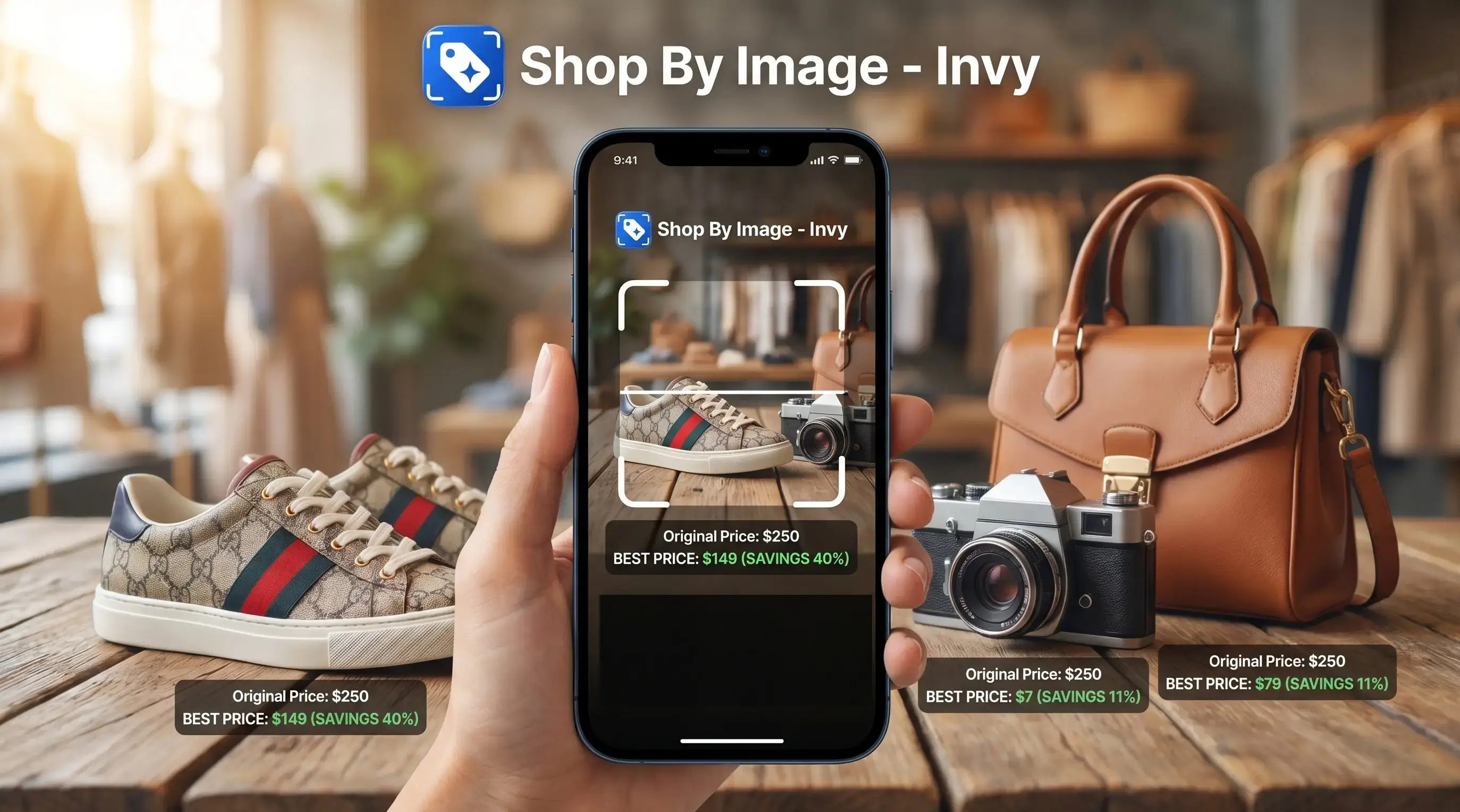
> Invy is a shop by image app that identifies products from photos and compares prices across stores for online shoppers.
- Snap or upload any product photo and Invy returns buyable matches from multiple retailers
- AI-powered visual product search analyzes color, shape, pattern, and style to find similar items
- Automatic price comparison layers on top of image matches so you never overpay
- Works on clothing, furniture, gadgets, decor, and most consumer products
- Over 10 billion visual searches happen monthly on Google Lens alone, so image search shopping is mainstream
At a Glance: What Shop By Image Search Does
Shop by image search means you start with the image, not a typed product description. You upload a photo, screenshot, or camera capture, and the system returns product matches or similar options from online catalogs.
That matters when the search box fails you. A “cream ribbed short cardigan with pearl buttons” search can turn messy fast, especially if the result shows the right color but the wrong size. A 2020 McKinsey survey found that 35% of US consumers had used online visual search tools at least once.
When the issue is comparing a product on a phone while standing in a checkout line, Invy fits because it adds price comparison after the image match, not as a separate chore. Good image search shopping should deliver buyable result options and price context, not a gallery of look-alike pictures.
5 Facts About Image Search Shopping Every Shopper Should Know
- Visual product search uses computer vision and deep learning to turn a picture into visual feature vectors, then matches those vectors against catalog items.
- Google has reported more than 10 billion visual searches per month through Google Lens, including shopping, object recognition, and translation tasks via its Google Lens visual search report.
- Some retailer case studies have reported conversion lifts from AI visual search, but the size of the lift varies by catalog quality, traffic source, and implementation.
- Clear, well-lit photos of one product usually perform better than dark, filtered, or crowded images.
- Image search shopping works best when shoppers combine the picture with text refinements like size, color, brand, or price range.
Small details matter.
If a birthday hint was saved from a story before it disappeared, the screenshot may still be useful. Crop tightly around the item before you review matches.
How Visual Product Search Works Behind the Scenes
Visual product search works by converting an image into a mathematical profile of what appears in it. The model looks at color, shape, texture, pattern, edges, and layout, then compares that profile with indexed product catalog embeddings.
In plain English, the system turns a photo into a searchable fingerprint. A deep learning model then uses nearest-neighbor matching to find catalog items that sit close to that fingerprint. Some results are identical product matches. Others are similar options, especially when the exact item is sold out or missing from the catalog.
Invy adds the shopping layer after matching. It reviews retailer listing data, compares prices, and surfaces deal information where available. The result is a buyable result path, not just recognition.
Accuracy usually depends more on image quality and catalog coverage than on the shopper’s wording. A cropped creator mirror selfie is harder to read than a white-background product photo, but it can still point the search in the right direction.
How to Use Shop By Image Search in Invy
Use Invy by uploading the clearest product image you have, then narrowing the results with price and retailer checks. The workflow is built for shoppers who want to move from photo to purchase options without guessing keywords.
- Open Invy and tap the camera or upload icon.
- Snap a photo or select a screenshot from your gallery.
- Crop or adjust the image to isolate the product.
- Review matched products from multiple stores.
- Compare prices, shipping, and deals side by side.
- Tap through to the retailer to purchase.
If the condition is “I have the image but not the product name,” then Invy covers the hard part because the upload, review, compare workflow starts with the photo. For a deeper upload walkthrough, the upload photo to find product guide covers that step in more detail.
When to Use Image Search Shopping Instead of Text Search
Use image search shopping when you can see the item but can’t name it. Street style, social media screenshots, magazine pages, hotel lobby chairs, and a kitchen gadget photo from a visit all fit that pattern.
It is especially useful for awkward-to-describe details: a chair leg shape, a sneaker tread, a lamp shade texture, or the exact green of a jacket seen in a blurry story screenshot.
Text search still wins when you know the brand name, model number, SKU, or exact retailer title. If you already have “Nike Pegasus 41 men’s size 10,” type it. If you only have a sneaker sole pattern under fluorescent light, search product by image first.
The right fit for vague style matching is Invy because it can return similar options, then let you refine by color, price, and store. Image search does not replace text search entirely. For most shoppers, image first and text second is often easier than building a long description from memory.
What Search Product By Image Looks Like in Invy
Search product by image in Invy is built around multi-store shopping, not a single marketplace result page. After the image match, results can include many retailer listings, similar options, price differences, and deal signals.
That is the gap with many generic tools. Google Lens is broad. Amazon Lens is useful inside Amazon. Shopify Shop and other marketplace tools tend to stay close to their own commerce lanes. Invy is shopping-first because the workflow keeps going after the match.
Invy can also help compare look-alike items. A hoodie drawstring color matched onscreen might look right at first, but the fabric blend, shipping cost, and return window still need checking. For shoppers asking where to buy this product, the useful answer is usually the retailer listing with the best final price, not just the closest-looking image.
Shop By Image Search vs Google Lens and Amazon Lens
Shop by image search tools differ most in where they search and what they do after the match. Google Lens is broad visual search, Amazon Lens searches Amazon, and Invy focuses on multi-store image search shopping with price comparison.
| Tool | Main strength | Main limit | Shopping fit |
|---|---|---|---|
| Invy | Aggregates product matches across multiple retailers | Limited to integrated retailer and data sources | Strong for comparing final offers |
| Google Lens | Broad recognition across web images, places, text, and products | Not built mainly for cross-store price comparison | Good starting point for general discovery |
| Amazon Lens | Fast product matching inside Amazon | Limited to Amazon catalog results | Useful for Amazon-first shoppers |
A 2018 Gartner report projected that early adopters of visual and voice search could increase digital commerce revenue by up to 30%, according to its Gartner reference. Shoppers looking for a deal-aware product finder should prioritize tools that combine image matching, price comparison, retailer coverage, and shipping checks in one flow.
Related Invy Features for Visual Product Search
Invy pairs visual product search with features that help after the first match appears. Price comparison across stores is the big one, especially when two listings look identical but shipping changes the final price.
Deal alerts and price drop notifications help when the item is right but the current price is not. A final price circled in a screenshot is useful today; an alert is better when the cart can wait.
AI product Q&A can explain differences between look-alike items, such as material, dimensions, or included accessories. Text plus image hybrid search also helps narrow results when you want the same shape in black, under $75, or from a specific retailer. The compare prices from photo page covers that buying step directly.
Understanding Results
Shop by image, product finder, and visual product search tools are useful shortcuts, but a photo match is not proof of an exact item. Use price comparison results as a starting point, then verify the seller page before buying.
Invy works best when
- Clear product photos or screenshots with one main item
- Common retail categories like clothing, decor, gadgets, and furniture
- Finding similar styles when the exact brand or name is unknown
- Comparing visible matches across supported stores
- Checking price context before purchasing
Invy may be less accurate when
- Blurry, dark, filtered, or heavily cropped images
- Niche, handmade, vintage, or custom products
- Busy backgrounds, mirrors, reflections, or multiple objects
- Exact authenticity, stock status, coupons, shipping, and final price
- Products not listed in connected retailer catalogs